Referral Fees
Integrate Hypersonic not only enables to offer your users the best swap route, you can also turn this into a stream of income. For every swap made via your referral code, you can charge a fee on the positive slippage instantly paid in the output token.
Create a referral code
To create a referral code, you'll need to trigger the register_ref_code() function on each router contract. As each fee payment is made on-chain, you will need to register a referral code on each router contract on the networks you integrate, which means that your referral code may vary. Deployments available here.
-> register_ref_code(uint64 referral_fee);The register_ref_code() function takes referral_fee as parameter, which represents the percentage fee you'll receive for each swap in basis points on the positive slippage. (Basis points are 10000, meaning: 100 = 1%)
referral_fee is capped to 100 which means you can't exceed this or the function will revert.
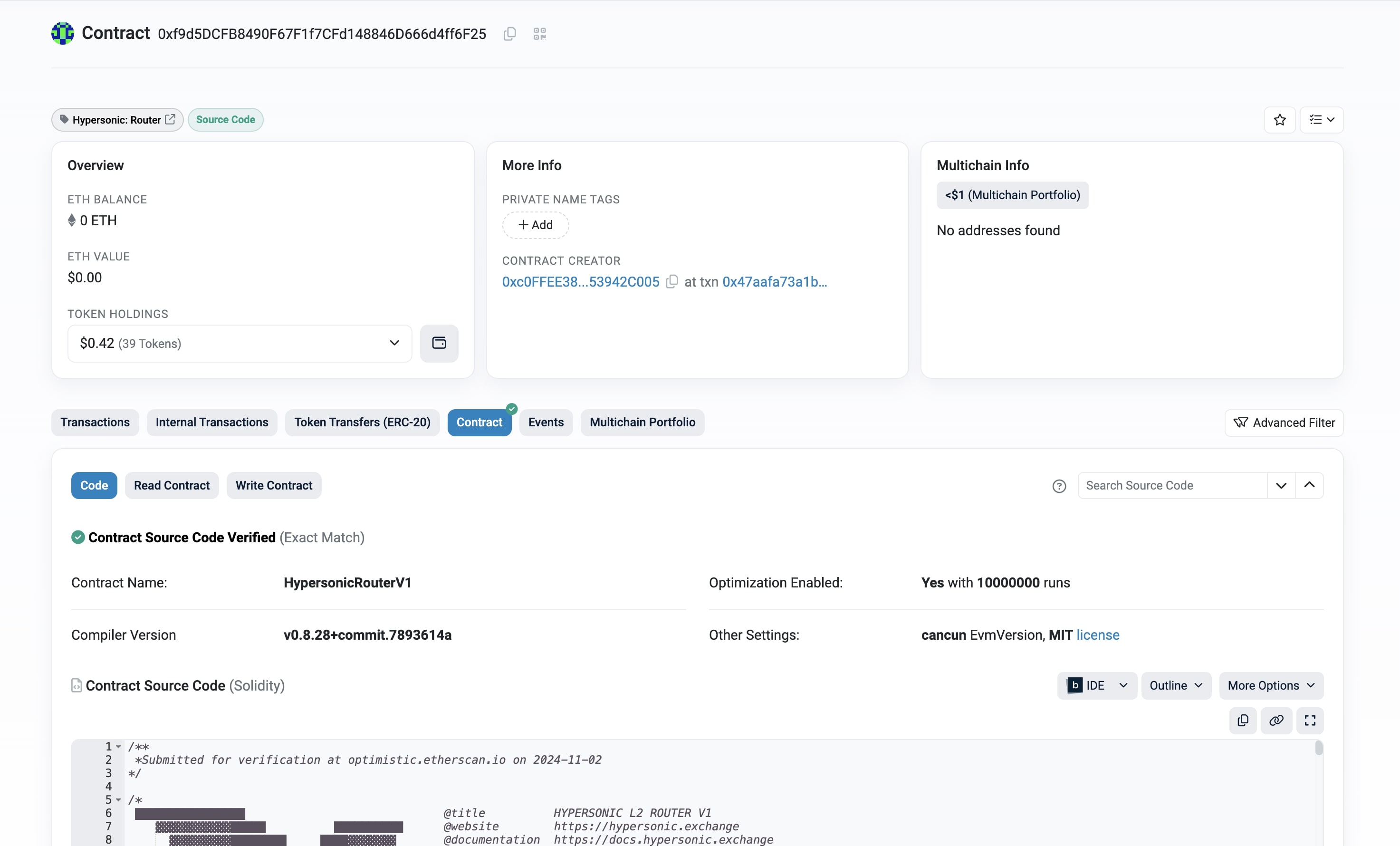
1. Open router in explorer
Start by opening the router on the chain you are targeting in an explorer.
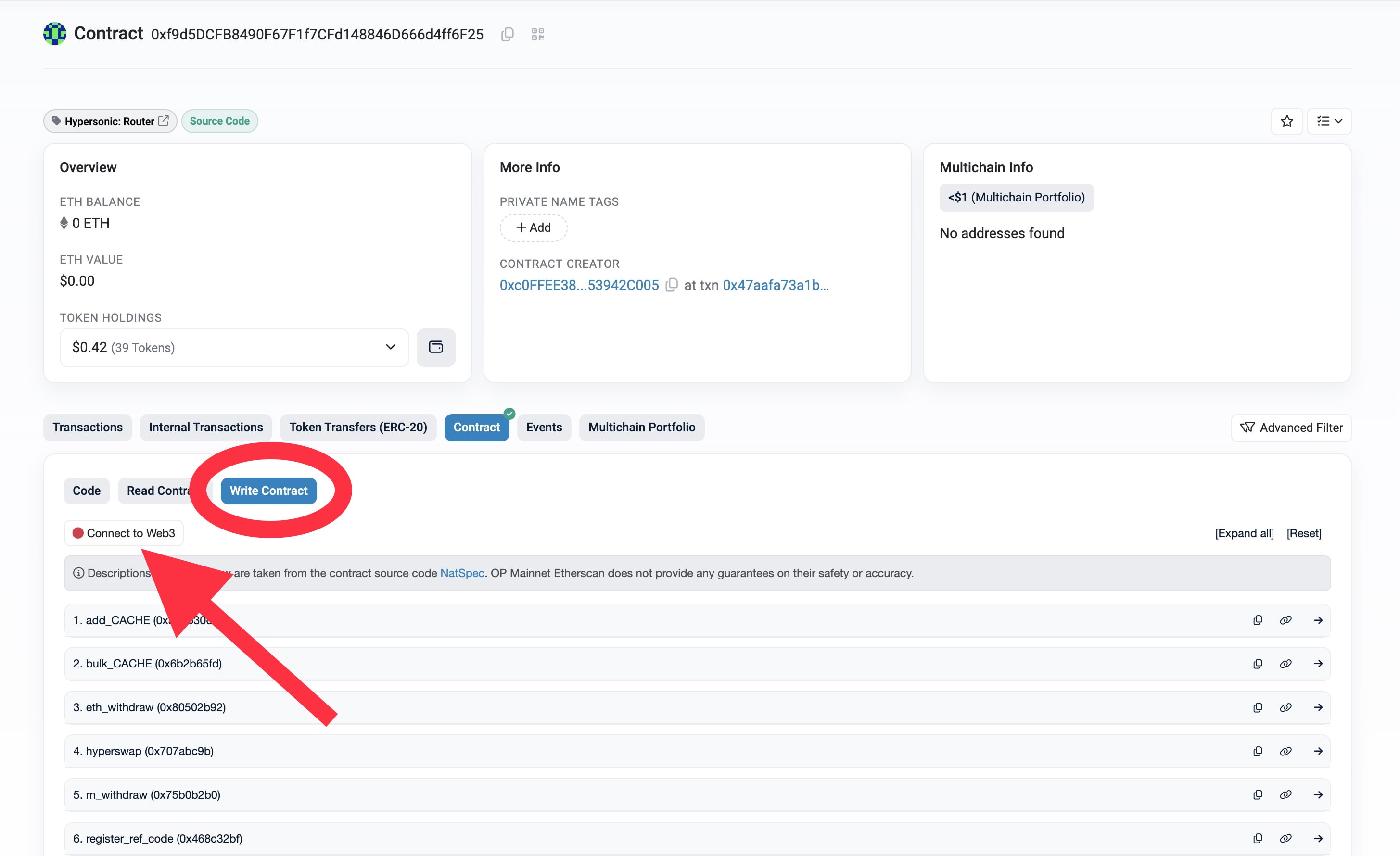
2. Go to write & connect wallet
Click on Write Contract and connect your wallet using Connect to Web3 button.
3. Call register_ref_code()
Click on register_ref_code() function, enter your referral_fee percentage in basis points, and click on Write button.

Call register_ref_code() function with the wallet on which you wish to collect fees.
Get your referral code
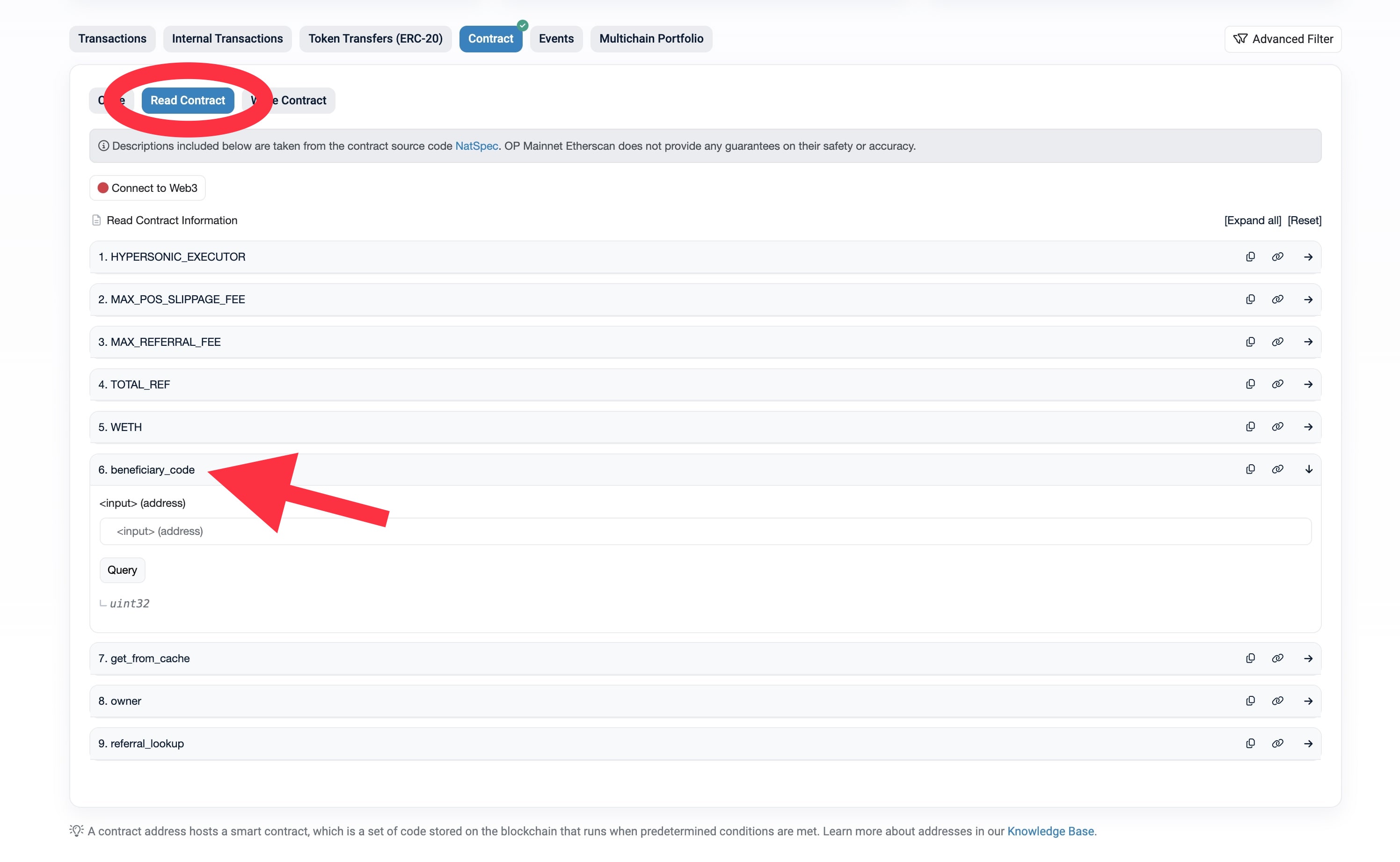
1. Go to read
Click on Read Contract and search for beneficiary_code() view function.
2. Query beneficiary_code()
Enter your wallet address and click on Query button.
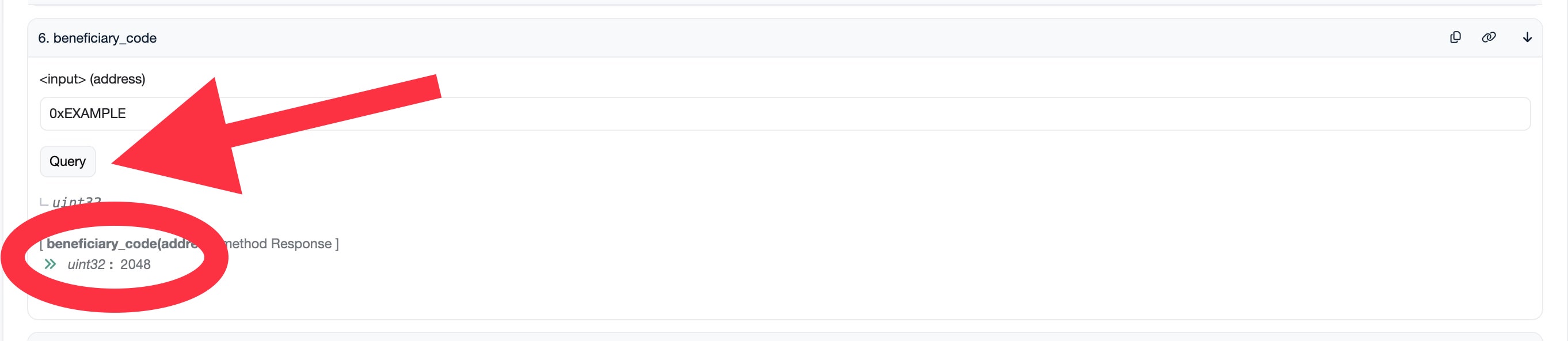
You referral code will then appear, in this example 2048.
Use your referral code
In order to receive referral fees, you will need to add your referral code as refCode field to the body parameters sent when calling the /quote endpoint. Body example available here.